
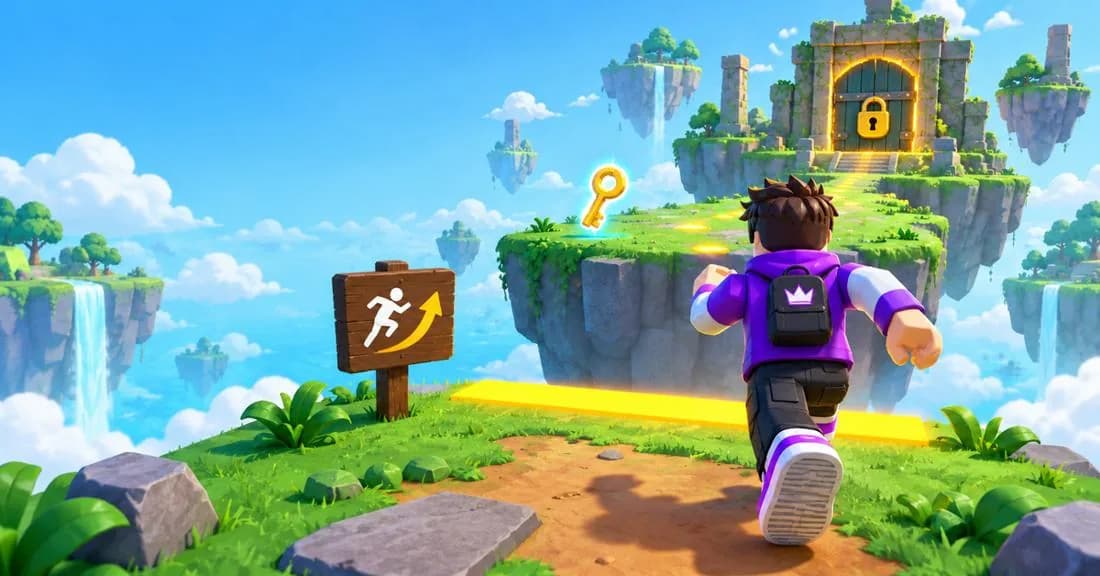
The player came to play, and you ask them to read. If your tutorial is a stack of text windows, they simply leave. Interface, gameplay and controls have to make sense in the first seconds: the player needs to know where to go and what to do right away.
Three questions the player answers on their own
What can I do?
One visible goal: reach the passage — not learn every system in the game at once.
I did it
A doable task with a visible result: opened a path, fixed an item, saved a character.
What's next?
Let them master one mechanic, then add the next. Don't explain everything up front.
Hints inside the world: examples from games
Showing everything at once is overload: the player gets confused and closes the game. Reveal mechanics gradually and put the hint right in the level — a sign, a trail, an NPC line. Roblox games often point the way with highlighted paths.
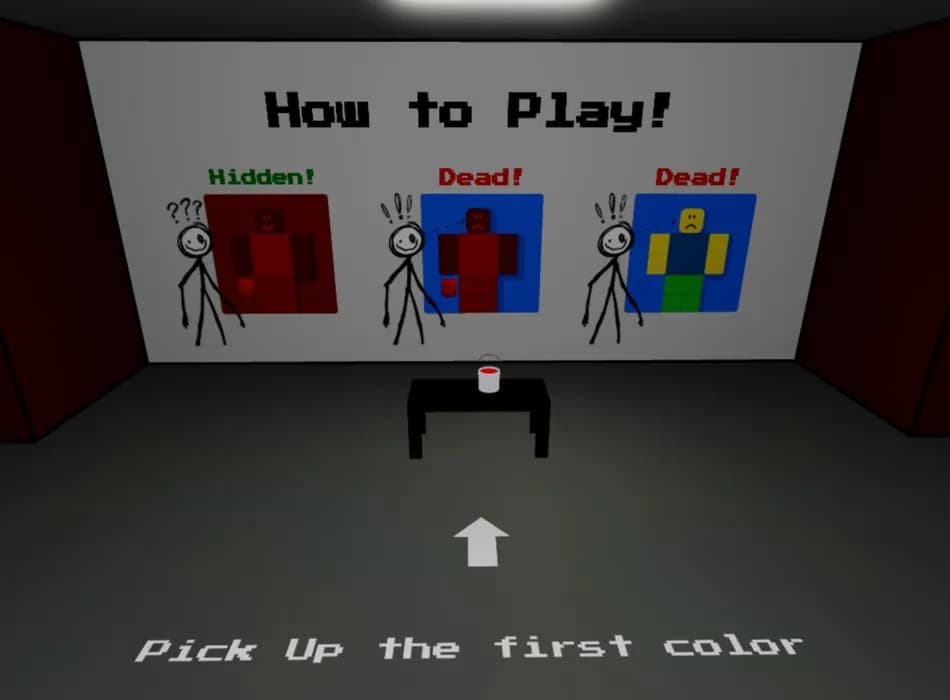
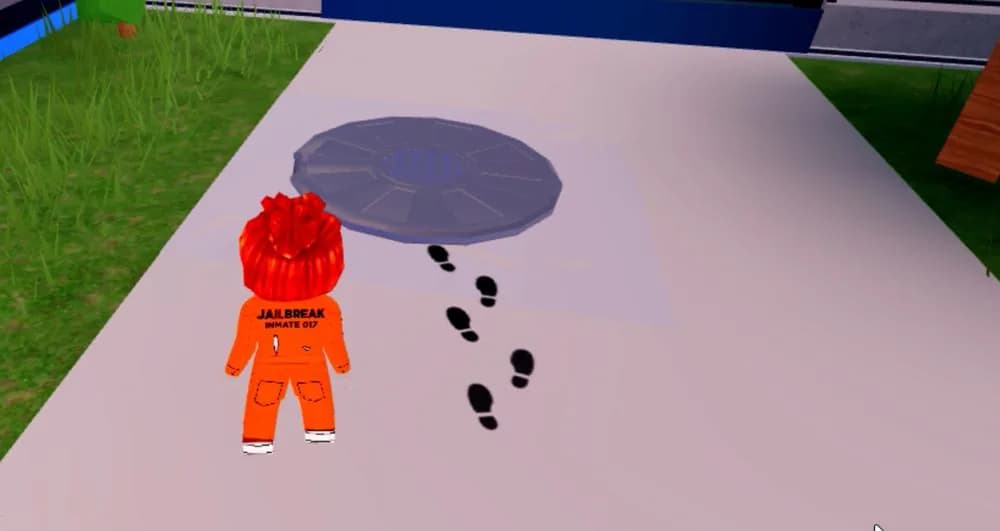
Our prototype example: introducing the grappling hook
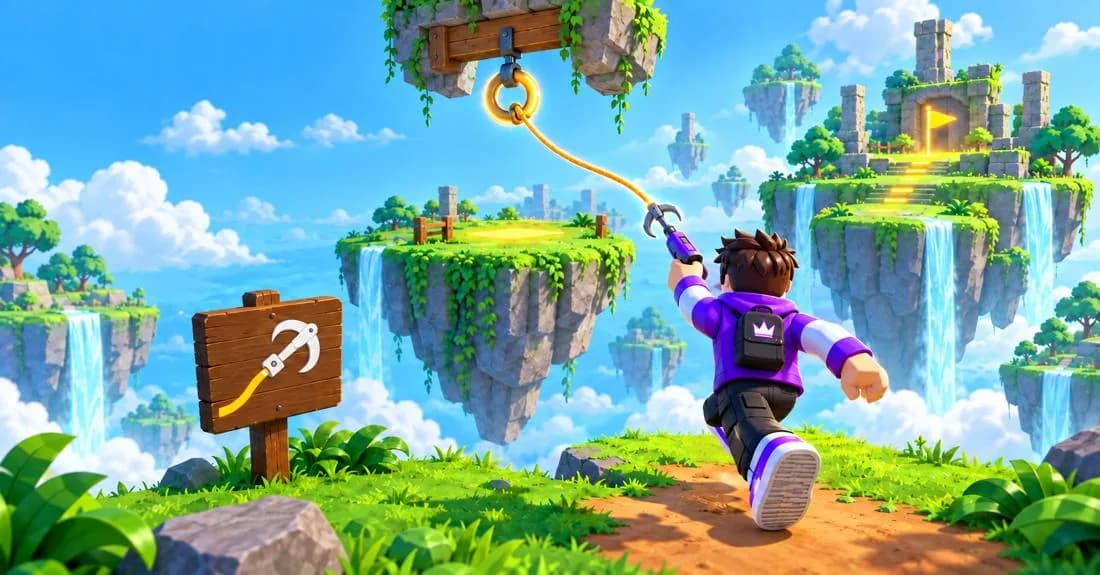
Give a reason to try
The hero gets a hook. Ahead is a gap and a ring to latch onto — that's how you cross to the other side.
Show the needed action
Put a sign with the hook at the edge and highlight the ring above the gap: that's what you latch onto.
Let them repeat it alone
Beyond the gap, a new anchor point. See whether the player can use the hook without a second hint.
Show where to go
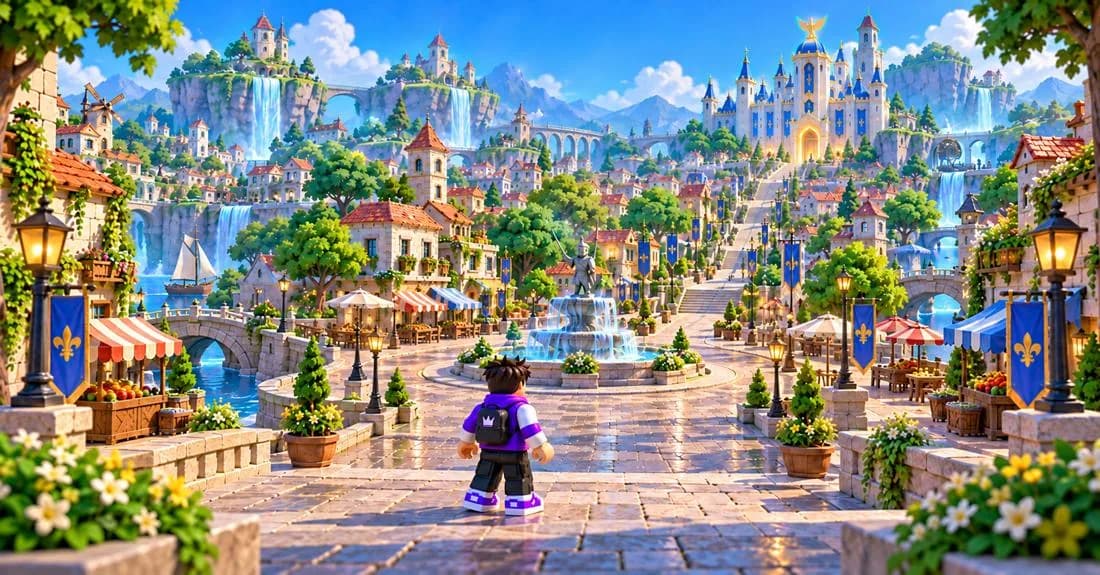
Make the goal stand out
An important object can be bigger or more distinct in silhouette. You can highlight the item the player needs to pick up.
Mark the way up
Tint the edge of a ledge yellow or place a signpost next to it. Keep markers consistent in meaning and back color with shape.
Highlight the right item
If a screwdriver is needed, make it stand out among the tools at the moment of the search. Don't light up the whole table — the accent loses its meaning.
Clear, but not boring
Familiar actions shouldn't take extra effort — and clear controls leave room for interesting decisions and new mechanics. Lean on conventions: for simple actions two or three buttons can be enough, like in the Roblox games players already know.
Keep familiar logic
Use consistent icons and labels for the same actions. On a phone, check that buttons are comfortable to tap and a finger doesn't cover the target.
Hint in context
An NPC at a fork can briefly point the way or say where an item is. The line appears next to them and doesn't interrupt movement.
Give a doable challenge
The first enemy or obstacle should let the player learn the mechanic. If everything passes without the player's involvement, try adding a choice or a small challenge.
Figured it out — let them continue. Stuck — offer help. Tune when it appears to how players actually behave: Roblox describes this as timed hints — a hint shows only to someone who is stuck, and just enough for them to finish the thought themselves.
Left after the level. Why?
Track level start, first attempt, failure, success and the transition onward. Analytics shows where players leave, but not why. Three hypotheses worth checking first:
Didn't get the tutorial?
Check whether the player tried the required action. Repeated taps in the wrong place, or no attempts at all, tell you what to look at.
Too hard?
Match exits against defeats: is the first enemy too strong or the jump too demanding? These are hypotheses, not a ready diagnosis.
Didn't see where to go?
If the level is finished but the next one never starts, check the transition and how visible the goal is. Watch a recording or ask the player.
“I figured it out and I want to keep playing” — that's the feeling to give the player in the first minutes. Everything else — retention, monetization, word of mouth — is built on top of it.
What kind of onboarding do you use in your games? Tell us on Telegram — we discuss it at @kidsgametop.